FilmLooks Free Film Grain
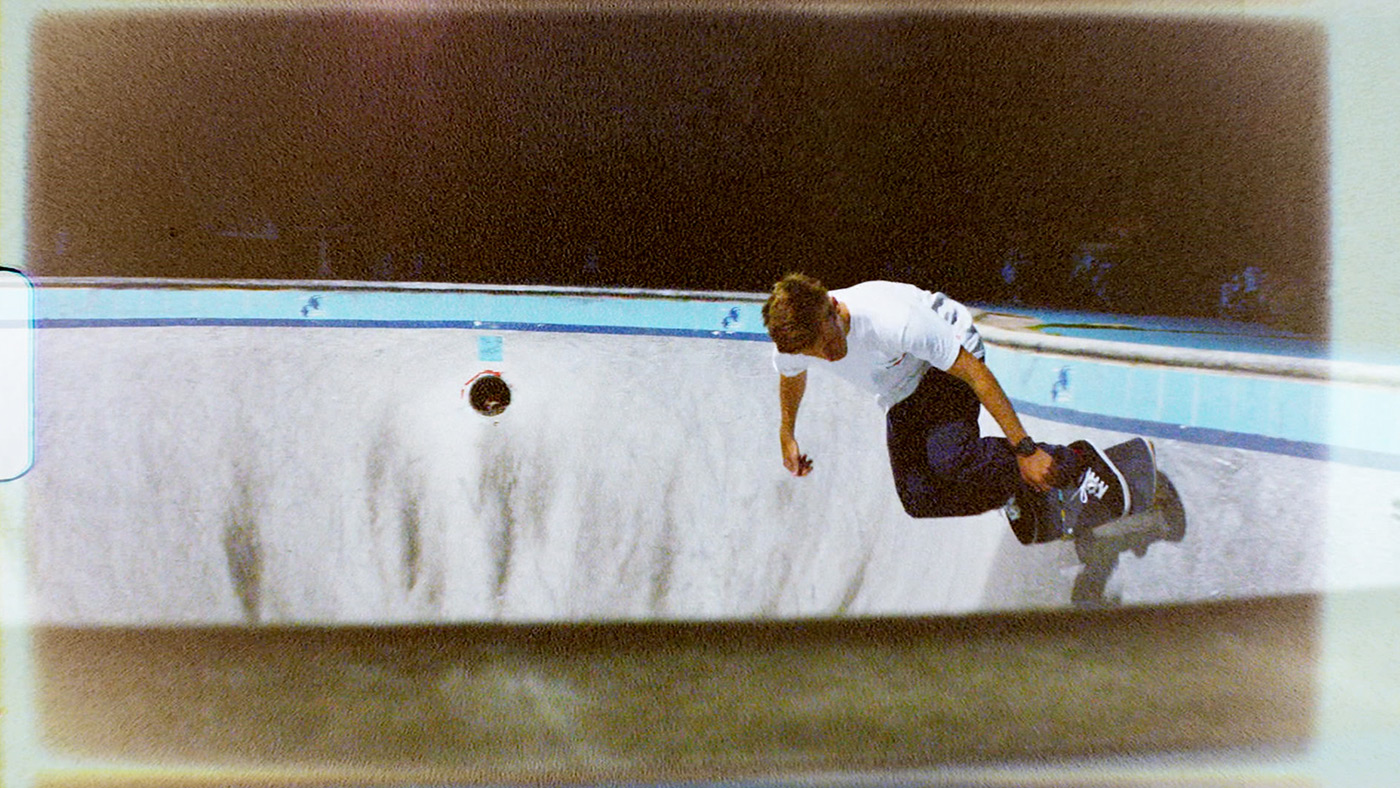
36 free HD Super 8 & 16mm film grain overlays, no cost.
How to install this in DaVinci Resolve
For LUT/texture files, copy them into Project Settings → Color Management → Open LUT Folder and restart Resolve. For grain or overlay footage, import the clip into your Media Pool and place it on a track above your footage set to Screen or Overlay blend mode.